Hiring Manager / Recruiter Search Tool

Find the Hiring Manager or Recruiter at Any Company

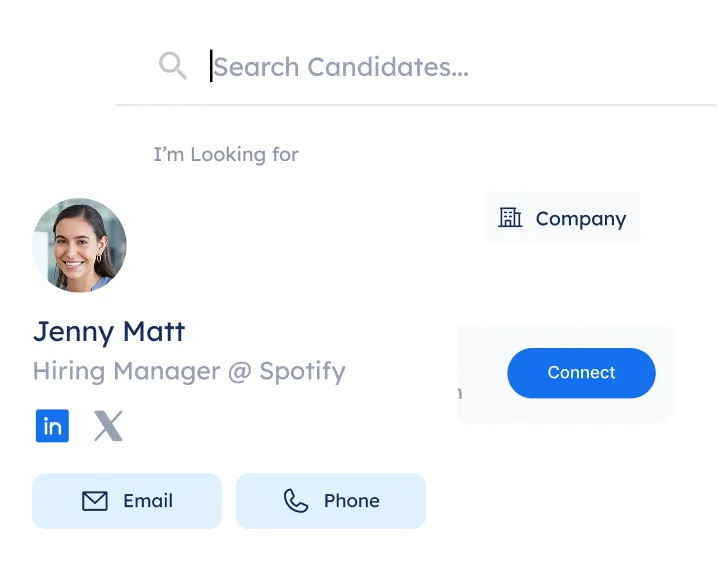
Generate precise LinkedIn search queries to find hiring managers and recruiters at any company. Skip the manual scrolling.
Trusted by professionals hired at:

Why Job Seekers Love This Tool

Target the Right Person at Any Company
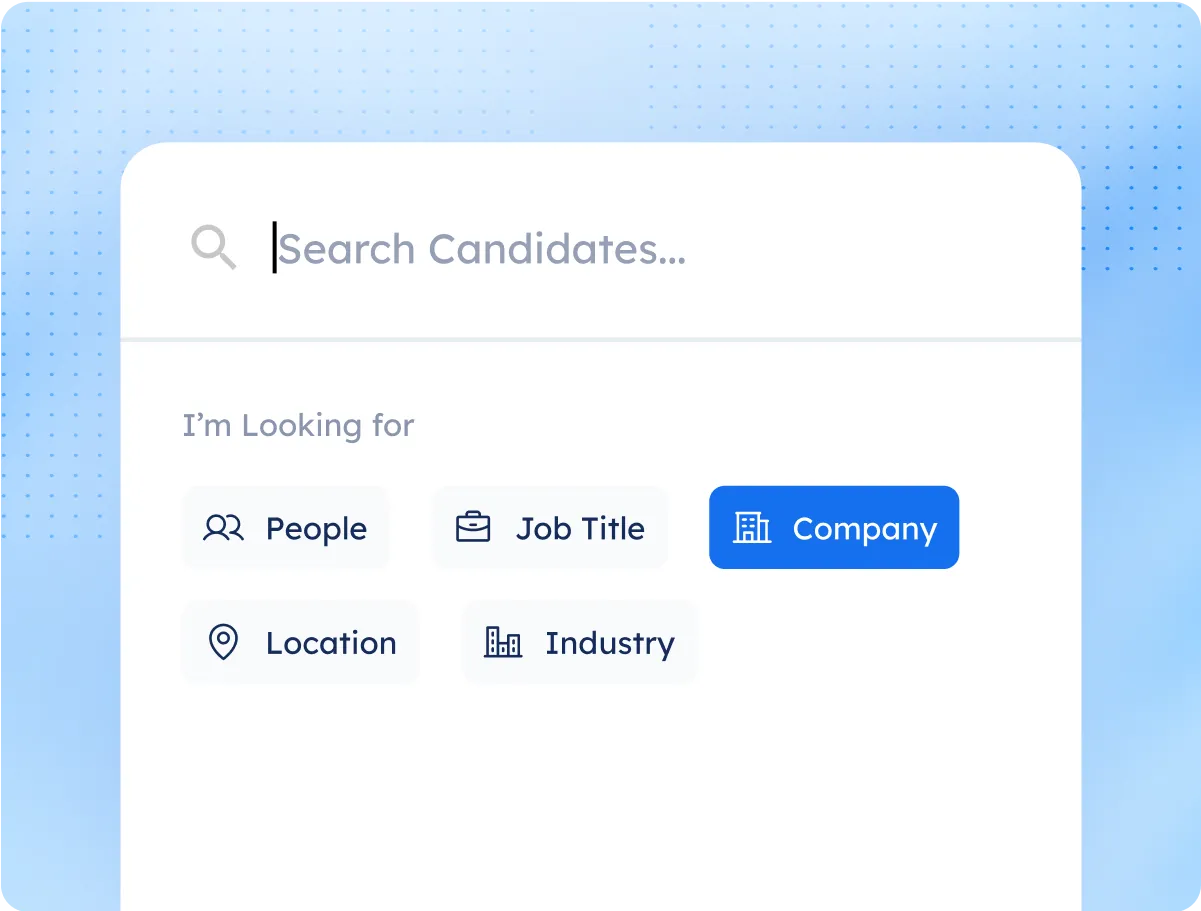
Search by job title, company, location, or department to find the specific person you need to reach, not just anyone with "recruiter" in their title.
No Boolean Knowledge Required
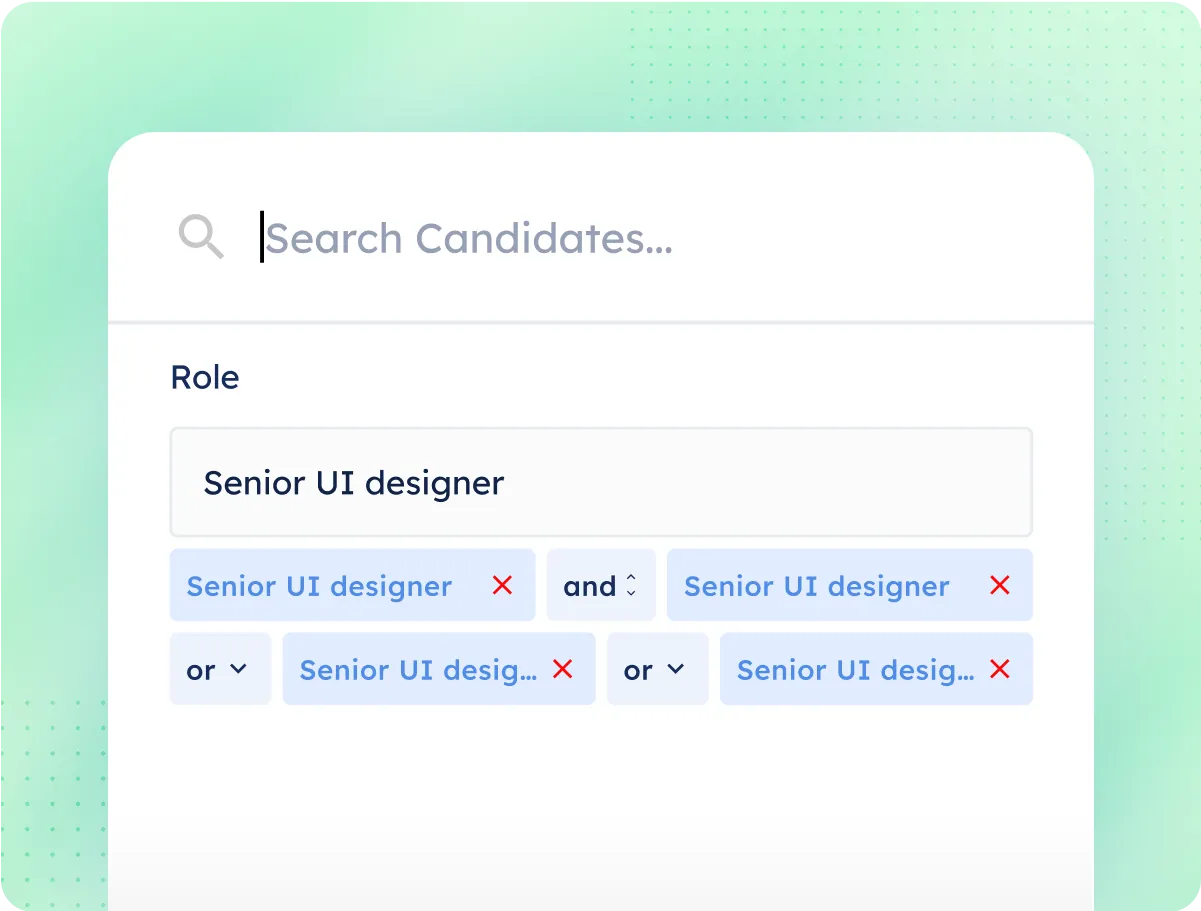
The tool builds the LinkedIn search string for you. Just enter your target and get a ready-to-use query in seconds.
Spend Less Time Searching, More Time Connecting
Get to the right decision makers without scrolling through hundreds of irrelevant profiles.

4 Simple Steps To Find Key Contacts

Step 1

Choose Your Target

Enter the company, role, and department you're targeting. Be as specific as you want.
Step 2

Generate Your Search Query

The tool creates a LinkedIn-ready Boolean search string based on your inputs. No manual formula needed.
Step 3

Run It on LinkedIn

Paste the query into LinkedIn's search bar and browse the results. The precision targeting cuts out the noise.
Step 4

Connect and Log It

Send a connection request or message, then add the contact directly to your Networking CRM to track the conversation.

Applying Without Networking Is Like Sending a Resume into a Black Hole

Find the right person at the company, make contact before you apply, and give yourself a real advantage over everyone who just clicked "Easy Apply."

Explore Our full Suite Of AI Tools & Features

Enhance your job-hunting experience with tools for every step

Have More Questions?

Here are some of the frequently asked questions from our customers
Do I need to know Boolean search?

No. The tool builds the query for you based on what you're looking for.

Can I save the people I find?

Yes. Add them directly to your Networking CRM to track outreach and follow-ups.

Will this show emails or phone numbers?

Only if they're publicly available on LinkedIn or through an integration.