Document Hub

Stop Digging Through Folders Every Time You Apply

Upload your resumes, cover letters, certificates, and other career documents once. Access and attach them instantly whenever you need them.
Trusted by professionals hired at:

Why Job Seekers Love
The Document Hub

Everything in One Place
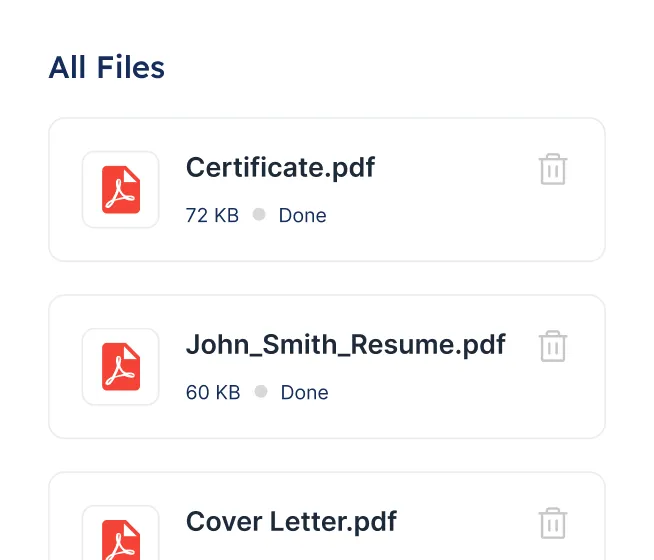
Keep your resumes, cover letters, transcripts, and certificates organized in a single hub. No more hunting through downloads or email attachments.
Ready When You Are
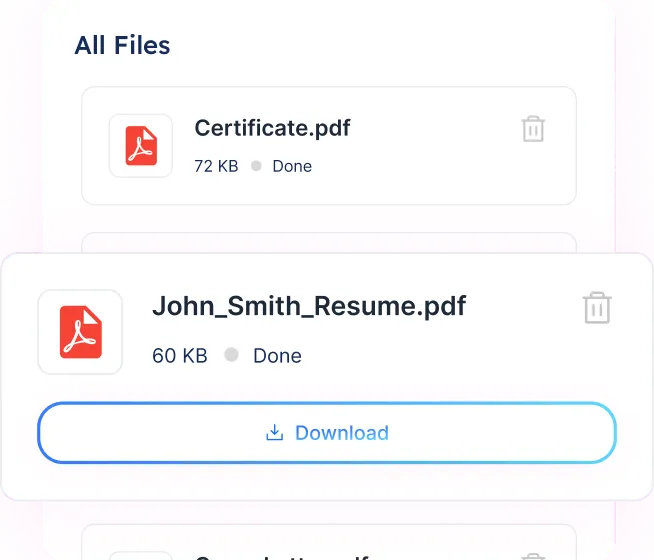
Download or attach any document directly when applying through Careerflow. No switching between folders mid-application.
Secure and Private
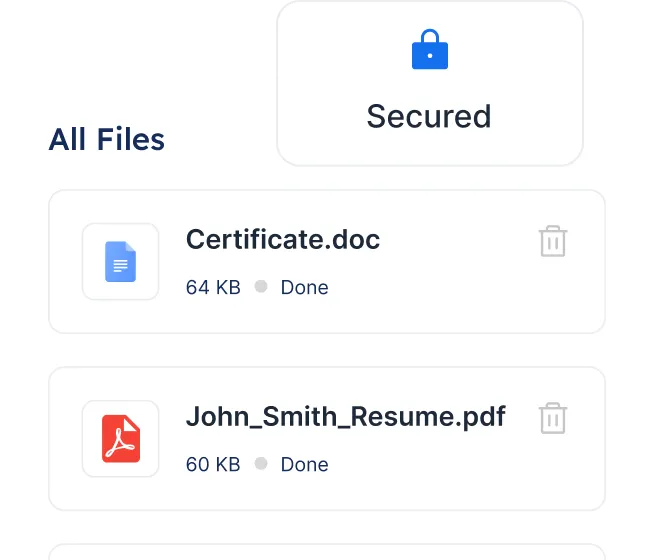
Your files are encrypted and only accessible to you. Nothing is shared without your action.

4 Simple Steps To
Use The Document Hub

Step 1

Open the Document Hub

Access it directly from your Careerflow dashboard.
Step 2

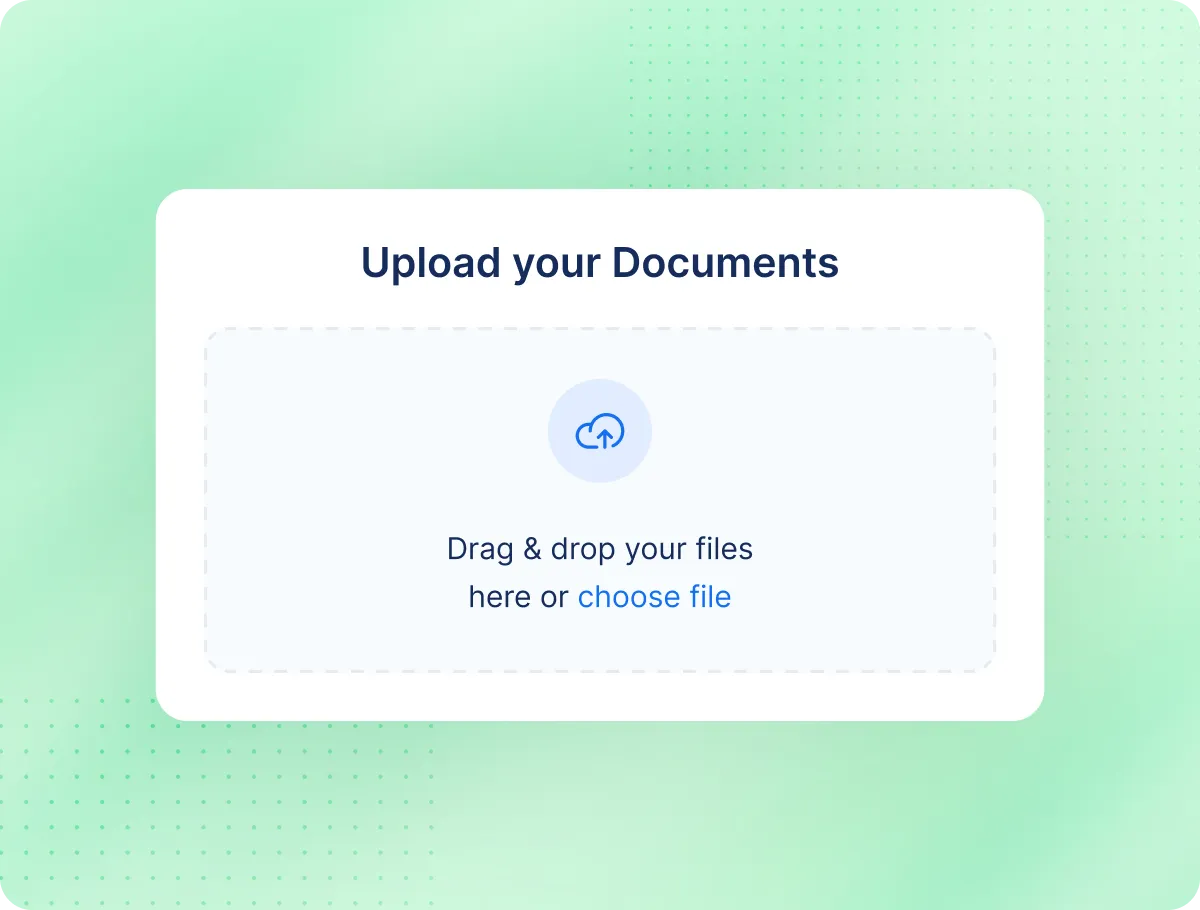
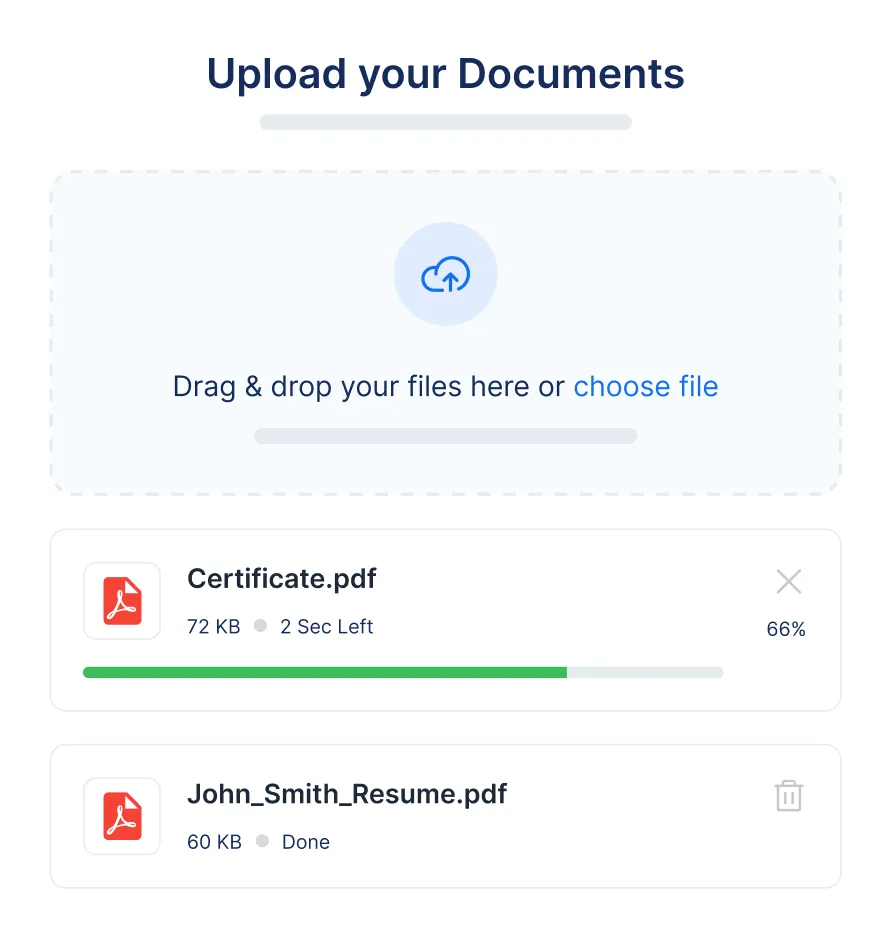
Upload Your Files

Add resumes, cover letters, certificates, transcripts, or any other career documents. PDF, DOCX, PNG, and JPG formats are all supported.
Step 3

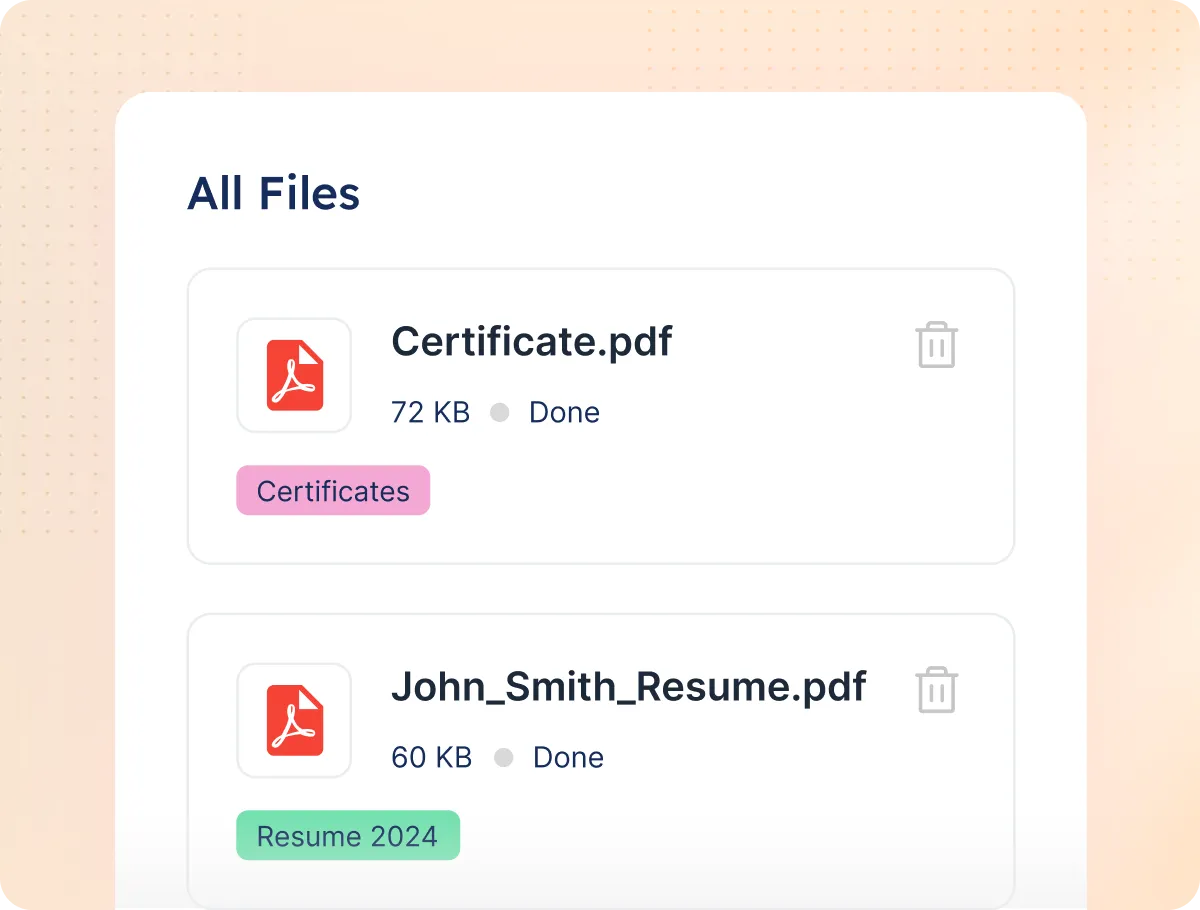
Tag and Organize

Label files so they're easy to find later. "Resume v3," "Cover Letter - Marketing," "AWS Certificate" and so on.
Step 4

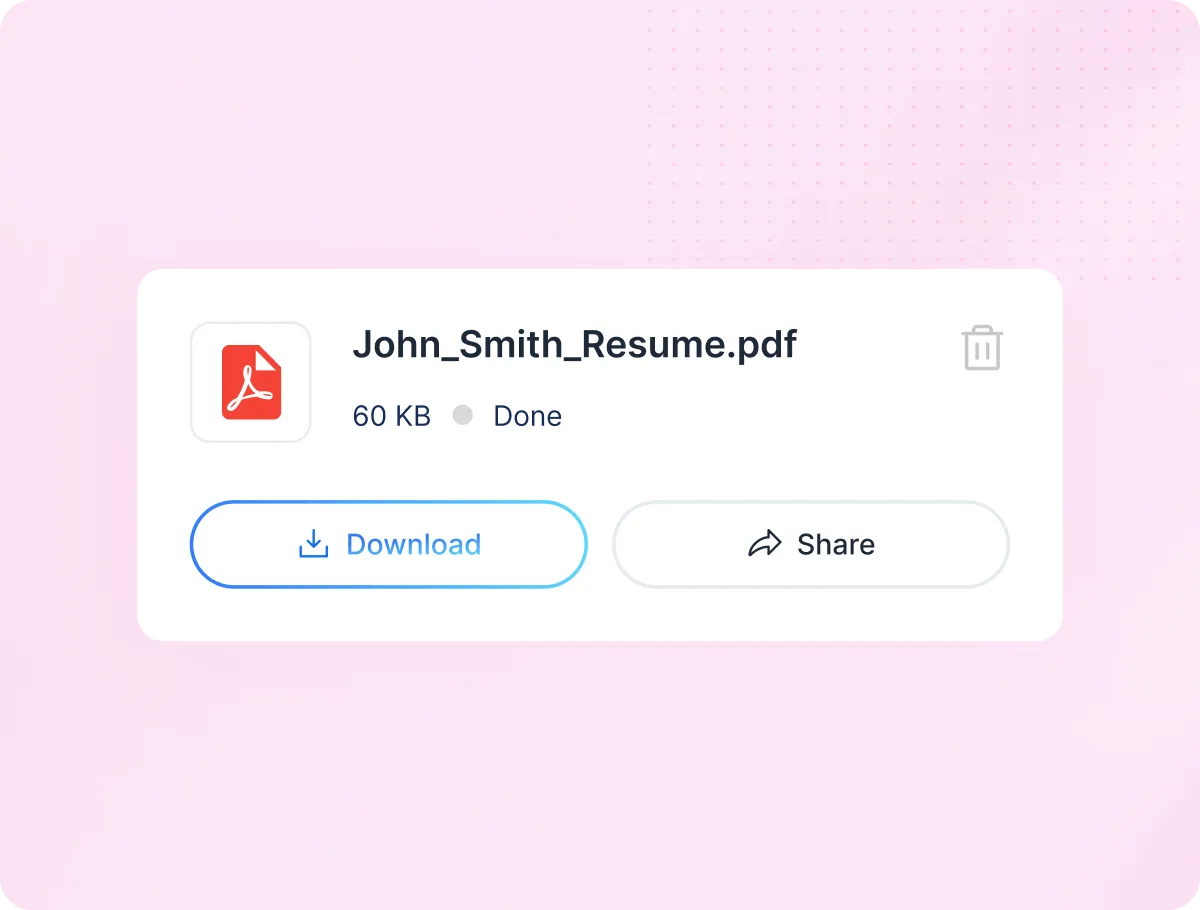
Access or Attach When Needed

Download any file or attach it directly to an application through Careerflow's tools. No re-uploading.

The Right Document Shouldn't Take 10 Minutes to Find

Keep your career files organized and accessible so you can focus on applying, not file management.

Explore Our full Suite Of AI Tools & Features

Enhance your job-hunting experience with tools for every step

Have More Questions?

Here are some of the frequently asked questions from our customers
What file types are supported?

PDF, DOCX, PNG, JPG, and most standard document formats.

Can I share files directly from here?

Yes. Attach documents directly when applying through Careerflow's application tools.

Is there a file size limit?

Reasonable upload limits apply, but most standard career documents are supported without issues.